In today's fast-paced business landscape, choosing the right storage solutions is crucial for success. Companies face a multitude of challenges in managing data, documents, and inventory efficiently. An effective storage strategy can save time and resources while enhancing productivity.
Many businesses struggle with storage space and organization. Some may rely on outdated systems that hinder their growth. They often overlook the importance of scalable solutions that can adapt to their evolving needs. Customization is essential in finding the right fit for each unique situation.
Investing in reliable storage solutions leads to clearer workflows and better data management. Understanding the available options is vital in making informed decisions. Companies must also consider their future growth and plan accordingly. Ignoring these factors can result in costly mistakes. Consideration of these aspects will ultimately contribute to a business's long-term success.
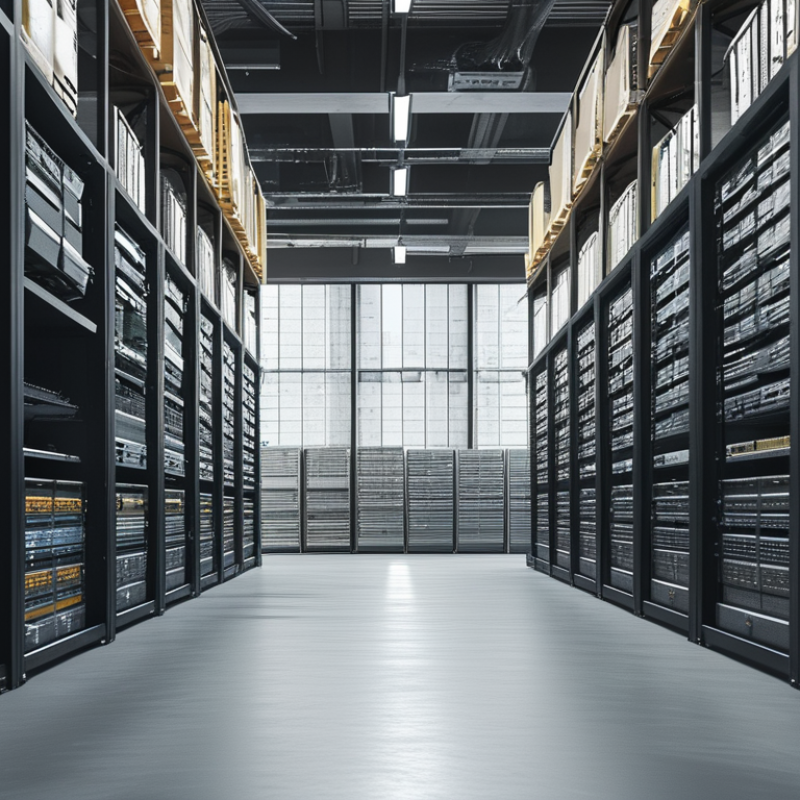
When considering storage solutions for businesses, the options are diverse. Common types include cloud storage, on-premises storage, and hybrid solutions. Each has its pros and cons. A study by Gartner reveals that 70% of organizations use cloud storage primarily due to its scalability and flexibility.
Cloud storage allows businesses to scale easily. It supports remote access, a feature highly valued in today's hybrid work environment. Businesses often find that they reduce costs significantly by adopting cloud solutions. However, security concerns persist. Data breaches are on the rise, with a report from IBM showing that 83% of organizations experienced a data breach in the last year.
On-premises storage offers control and security. Many businesses prefer it for sensitive data management. However, it comes with high initial costs and ongoing maintenance. Hybrid storage solutions combine both, providing flexibility and efficiency. Companies can store sensitive data on-site while leveraging the cloud for other operations.
Tip: When choosing a storage solution, assess your scalability needs. Understand your data security priorities. Regularly review your storage policies to adapt to changing technologies. This reflection can ensure your storage solution remains effective.
| Storage Solution Type | Description | Ideal For | Cost Range | Scalability |
|---|---|---|---|---|
| Cloud Storage | Online storage solution that allows access from anywhere. | Remote teams, small to medium-sized businesses. | $5 - $50 per month | Highly scalable, easy to increase storage. |
| On-Premises Storage | Physical storage devices located within the company premises. | Businesses needing strict data control and security. | $1,000 - $20,000 (initial investment) | Limited, based on hardware capacity. |
| Hybrid Storage | Combination of cloud and on-premises storage solutions. | Businesses needing flexibility and redundancy. | $10 - $500 per month | Flexible, can grow easily with needs. |
| External Hard Drives | Portable storage devices for backing up data. | Small businesses or freelancers. | $50 - $300 (one-time purchase) | Limited scalability, requires physical additions. |
| Network Attached Storage (NAS) | Centralized storage connected to a network for multiple users. | Medium to large businesses. | $200 - $2,000 (initial cost) | Moderate scalability, can add more drives. |
: The main types are cloud storage, on-premises storage, and hybrid solutions. Each has its pros and cons.
Businesses prefer cloud storage for its scalability, flexibility, and potential cost savings.
Data breaches are a significant concern. Many organizations have experienced security breaches recently.
On-premises storage offers control and security for sensitive data, but it requires high initial costs.
Evaluate current and future space requirements. Consider inventory size and workflow needs.
Frequency of access determines how items should be organized and stored for efficiency.
Clear labeling helps staff locate items quickly, reducing time spent searching for stored goods.
Regular reviews can identify inefficiencies and adapt to changing business needs. Reflection is essential.
Traditional systems have high upfront costs. Cloud solutions have lower initial fees but ongoing expenses.
Data security issues can arise, and performance may vary. Businesses need to weigh these risks against savings.
In today's business landscape, selecting the right storage solutions is crucial for efficiency and data management. There are various types of storage solutions, including on-premises systems and cloud-based options, each with unique advantages and disadvantages. Factors to consider when choosing these solutions include scalability, accessibility, and security requirements. A thorough cost analysis can help businesses understand the financial implications of different storage options, ensuring they select the most cost-effective solution.
When comparing on-premises and cloud storage, it’s essential to weigh the control and customization of on-site systems against the flexibility and reduced maintenance of cloud services. Best practices for implementing storage solutions involve thorough planning, regular backups, and employee training to ensure seamless integration into daily operations. Ultimately, the right storage solution can enhance productivity and safeguard critical business data.

 DeltaStorage